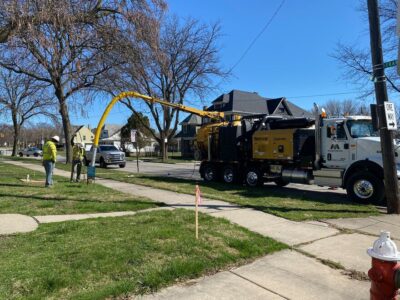
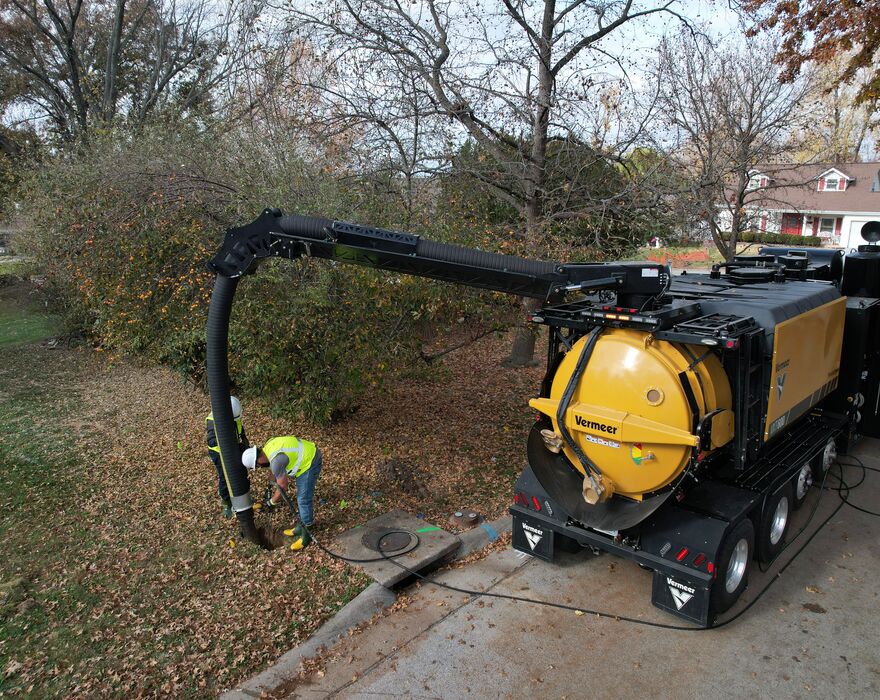
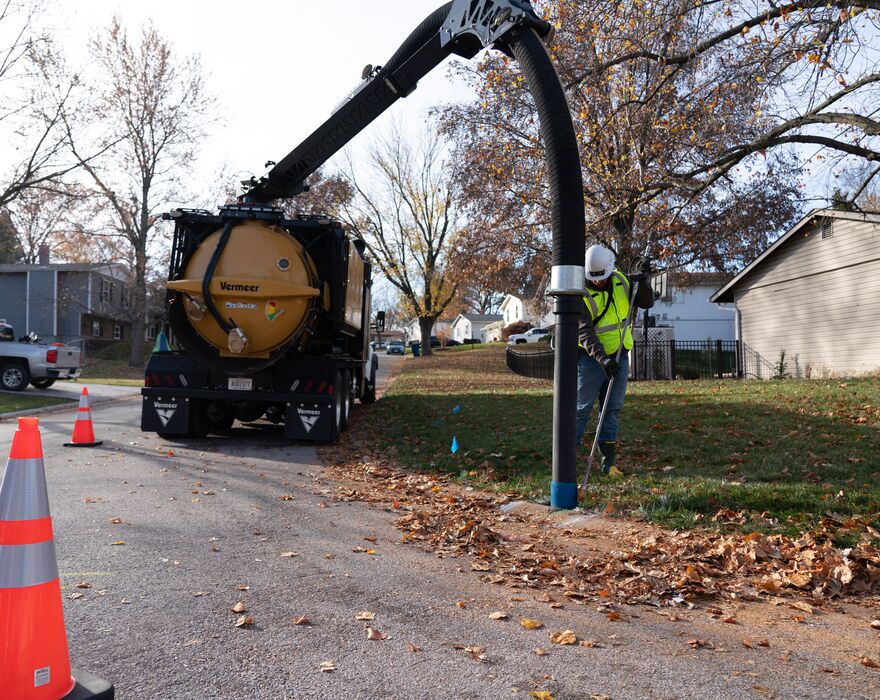
Every vac truck operator knows the routine. Pull up to the dig site, park, un-stow the boom, set up, and then discover the boom does not quite reach the hole. Repositioning only takes about five minutes, but do it once a week across a fleet and the lost time adds up fast. The Vermeer WorkZone360TM camera system, an option on the VXT line of vacuum trucks, takes the guesswork out of that moment before the operator ever leaves the cab.
How the vacuum truck camera system builds the view
The system uses four cameras: one at the front of the truck, one at the rear and one on each side. Onboard software calibrates the four feeds and stitches them into a single live overhead view on the in-cab display.
The truck at the center of that view is a rendering rather than a live image. The cameras face outward and downward, so what appears on screen is the ground and the traffic around the vacuum truck, not the roof of it.
“People see it and assume we have a drone following the truck around,” said TJ Steele, product manager for Vermeer MV Solutions. “It’s four cameras and software. The truck in the middle of the screen is a picture, not a camera view.”
With the boom unstowed, the dig tube and hose show up on screen inside the working radius as well.
Reading boom reach on the vacuum truck display
Pickups and semis have carried 360-degree cameras for years. The boom reach overlay drawn on top of that camera view is the patent-pending element, and it is what ties the system to the work a vacuum truck does.
Two rings appear on the overhead camera view, drawn around the image of the truck. The inner ring shows where the boom reaches fully retracted. The outer ring shows full extension. The VXT400 and VXT500 carry 16 ft to 25 ft (4.8 m to 7.6 m) of boom reach with 330-degree rotation, and that spread is what the two rings mark out on screen. A dig location sitting between the rings on the display is within reach. One sitting outside them tells the operator to reposition while the truck is still rolling.
“It allows you to know before you even get out of the truck, all right, my boom can reach there,” Steele said.
Switching vacuum truck camera views on the fly
The boom reach rings matter during setup and get in the way at highway speed, so a switch in the cab changes what the camera view shows. The modes it steps through:
- Overhead with rings. The full camera view with the inner and outer boom reach rings drawn in. This is the setup view.
- Overhead without rings. The same view with the rings cleared off the display, for cleaner visibility on the road.
- Four-camera split. The screen divides into the individual feeds showing front, back, left and right.
- Combination. Half the overhead view, rings included, paired with a single camera feed.
“If you’re driving down the road and you want better visibility, you can take the boom rings off the display and put them right back,” Steele said.
A vacuum truck drives, maneuvers into position and digs over the course of a shift, and no single camera view serves all three.
Where a vacuum truck camera system saves time
The value shows up in three places.
- Setup. A truck parked outside boom reach costs the crew a full teardown and reset. The camera view settles that question before the truck stops.
- Maneuvering. Urban utility work puts a vacuum truck on tight residential streets and into crowded staging areas. The overhead view shows where the front bumper sits and what is alongside the rear wheels.
- Awareness. A full view around the truck applies on every trip, not only at the dig site.
“If you’re driving, you have a full view around you. If somebody’s behind you, if somebody’s beside you, you’re more aware versus just having mirrors,” Steele said.
That does not replace the walkaround or the spotting procedure a crew already follows, but it gives the operator more than the mirrors alone. For more on how crews build those habits, see safety tips for operating vacuum excavators.
Spec’ing the option across a vacuum truck fleet
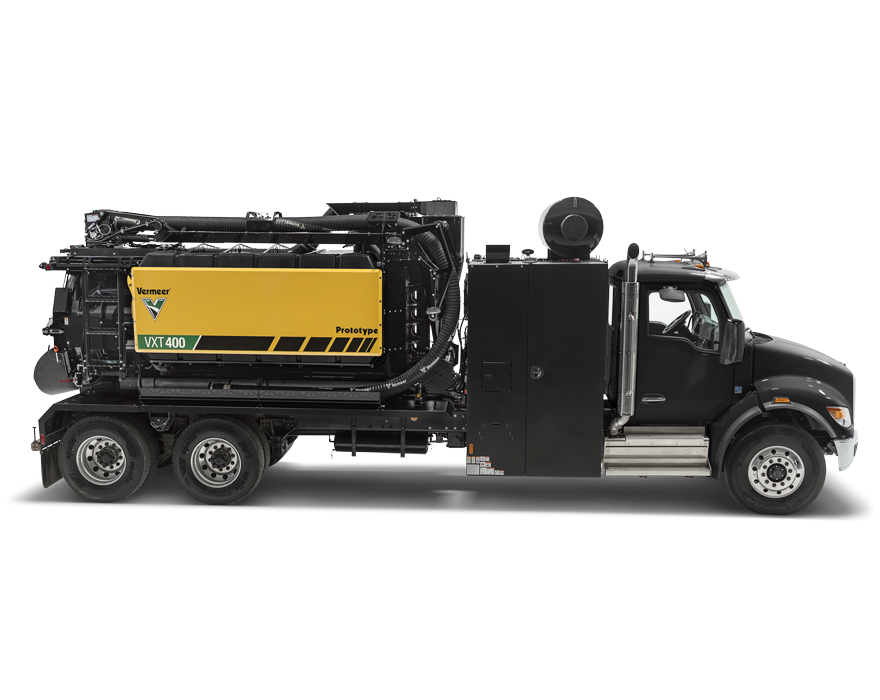
WorkZone360 launched on the VXT600 and is now offered on the VXT400 and VXT500 vacuum trucks built for urban utility work as well.
“Every contractor we talked to said they wanted it,” Steele said. “That’s what moved it from one truck onto the rest of the VXT line.”
The option is specific to the VXT line. Vermeer builds other truck vacs that do not carry it, so a mixed fleet will not have the same display in every cab.
Within the VXT line, the models share a common platform: the same wiring harness, the same operating system and the same parts on the shelf. An operator moving between trucks finds the same controls and now the same camera view. The trucks themselves are sized for different work.
- VXT400. 4,131 cfm (117 m³/min) airflow and 18 in Hg (0.61 bar) vacuum, with 8, 10 or 12 yd³ (6.1, 7.6 or 9.2 m³) spoil tank options.
- VXT500. 5,018 cfm (142 m³/min) airflow and 27 in Hg (0.91 bar) vacuum, with 10 or 12 yd³ (7.6 or 9.2 m³) spoil tank options.
- VXT600. 6,400 cfm (181.2 m³/min) airflow and 27 in Hg (0.91 bar) vacuum, with a 12 yd³ (9.2 m³) spoil tank.
Ordering the camera system on your next vacuum truck
On a vacuum truck, setup time is production time you do not get back. WorkZone360 is a factory-installed option, so it is a decision worth raising early. Talk with your local Vermeer dealer about spec’ing it on your next VXT.
Vermeer MV Solutions, Inc. reserves the right to make changes in engineering, design and specifications; add improvements; or discontinue manufacturing at any time without notice or obligation. Equipment shown is for illustrative purposes only and may display optional accessories or components specific to their global region. Please contact your local Vermeer dealer for more information on machine specifications. Vermeer, the Vermeer logo, Vermeer MV Solutions and WorkZone360 are trademarks of Vermeer Manufacturing Company in the U.S. and/or other countries. © 2026 Vermeer MV Solutions, Inc. All Rights Reserved.